 Undertekst
CapCut
Great captions. But its terms give it a worldwide, perpetual licence to content you upload, and it has been sued in the US over collecting face and voice data.
Is CapCut safe? →Automatic subtitles for iPhone
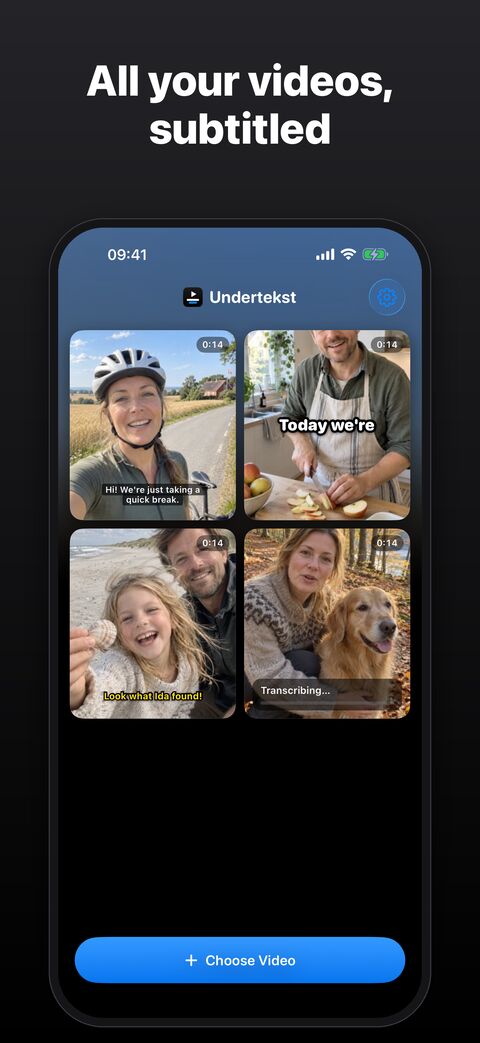
Undertekst writes out what's said in your video, word for word, right on your iPhone. Fix it on a timeline, make it look the way you want and save it with the subtitles burned in. No uploads, no account, no tracking.
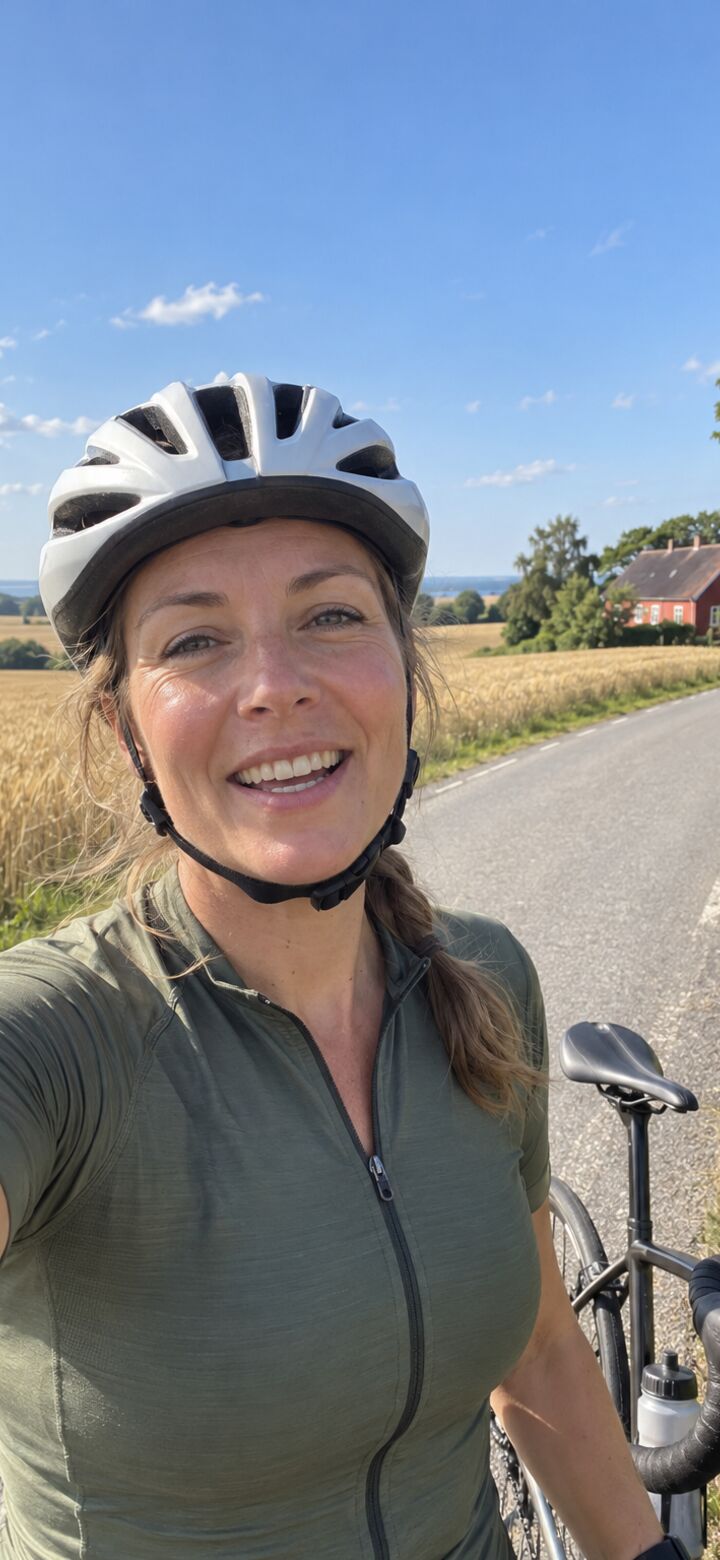
Your videos are full of faces, voices and the people you love. Most auto-caption apps want them on their servers first. Undertekst only needs your phone.
Great captions. But its terms give it a worldwide, perpetual licence to content you upload, and it has been sued in the US over collecting face and voice data.
Is CapCut safe? →Polished auto captions, but its App Store privacy label lists data that may be used to track you.
Private and free, but it can't write the subtitles for you. Every line is typed by hand.
Captions in iMovie →Apple's Clips could caption you as you spoke, but Apple discontinued it in 2025.
CapCut, Captions, iMovie and Clips are trademarks of their respective owners; Undertekst isn't affiliated with them. Based on their public terms and App Store pages, October 2026.
Straight from your photo library. Undertekst works on a copy and never touches the original.
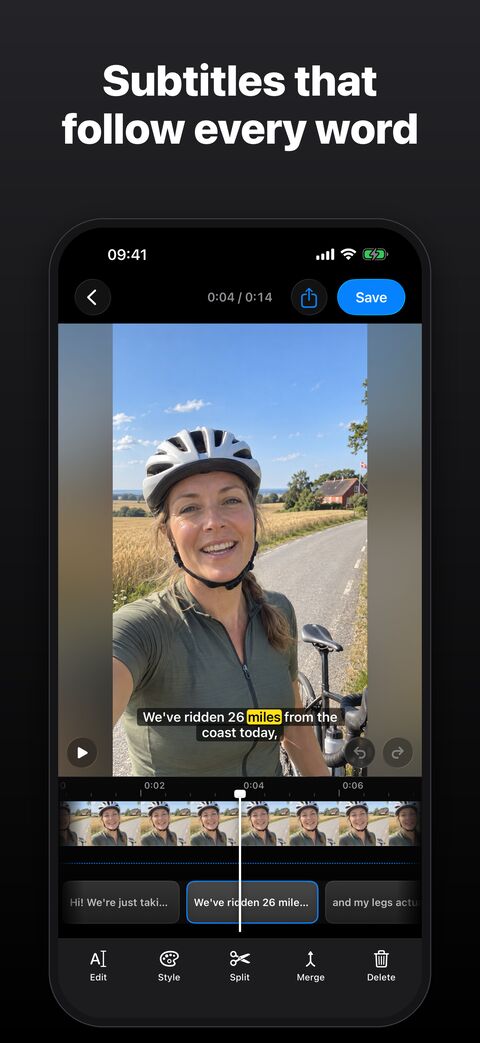
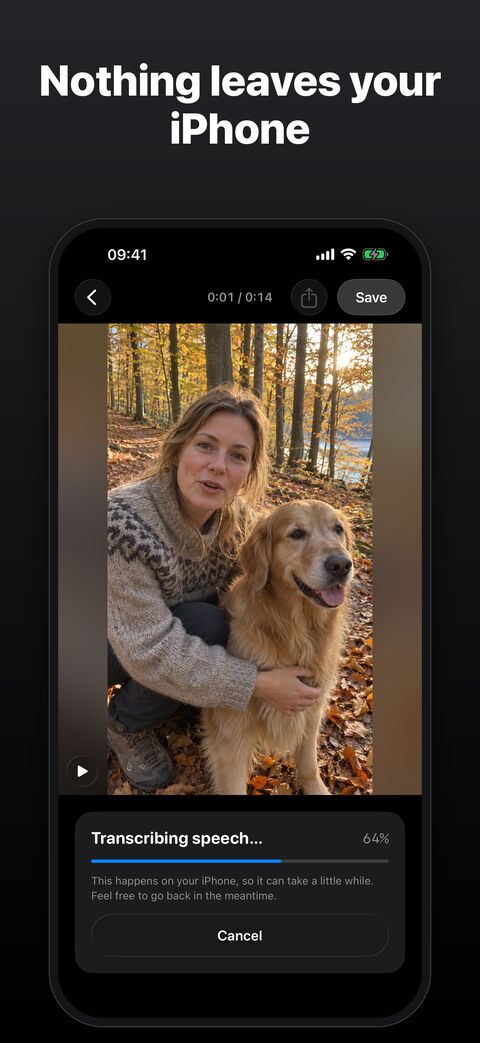
On your iPhone, with a time for every single word, so lines can light up as they're spoken.
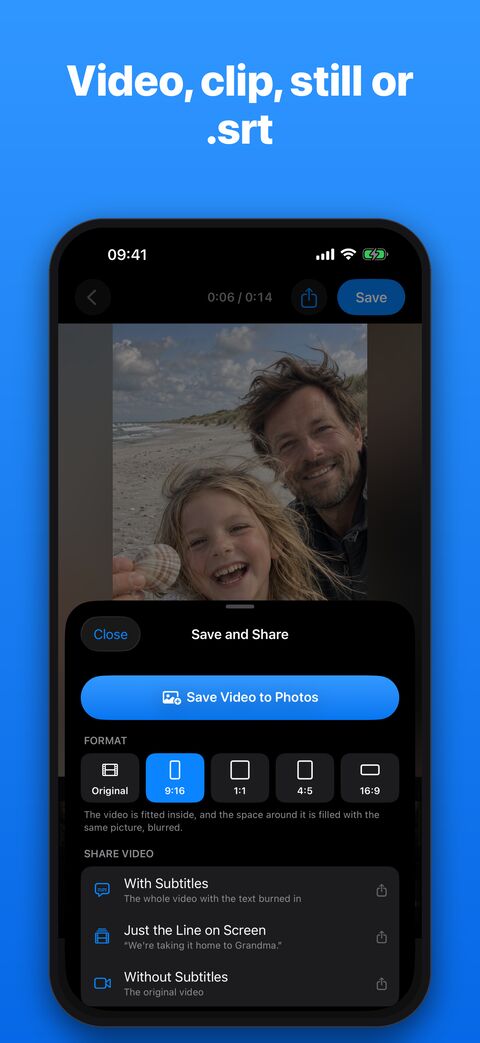
Tidy the lines on the timeline, pick a look and save the video to Photos or share it.
Video on top, timeline below, the way CapCut and iMovie do it. Every line is a block you can see, drag and fix.
See where people talk and where they pause, right under your lines.
Drag the start or end of a line. It snaps to words and pauses, so the timing is spot on.
Pinch the timeline to zoom in on a single word. Try anything; every change can be undone.
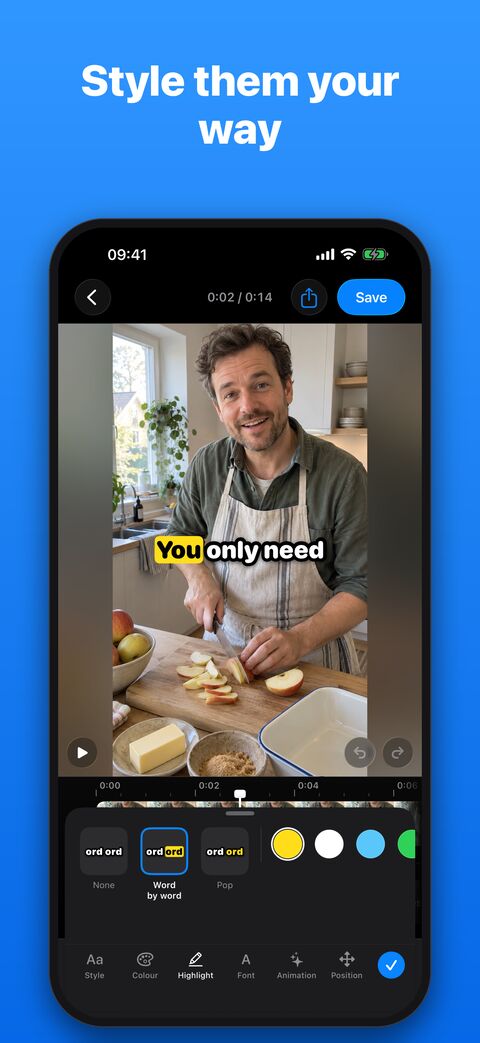
Light up each word as it's said, or let the words pop in one at a time.
Colour the text and the box or outline. Five fonts, from rounded to typewriter.
Let each line fade in, slide up or pop.
Drag the subtitles to any spot on the video and pinch to resize them.
A guide shows where TikTok, Reels and Shorts put their buttons, so nothing hides your words.
Save the look you like and make it the default for every new video.
Start from one of three styles: Subtitle, the classic box; Reel, big words a few at a time; or Classic, yellow text with a black outline. Then make it your own. What you see is exactly what gets saved.
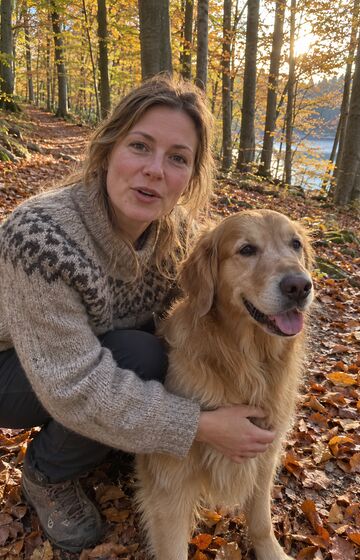

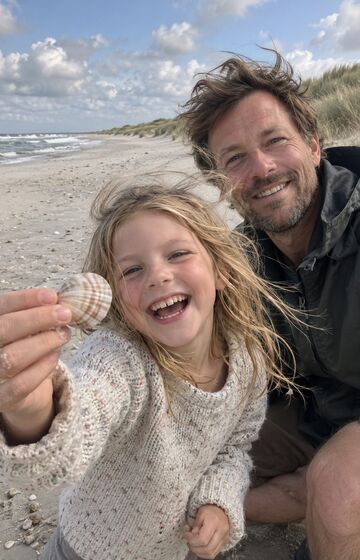
Save in the original shape, or as 9:16, 1:1, 4:5 or 16:9 for wherever you post. Empty space gets a soft, blurred fill from your own video.
Apple's speech recognition is built into iOS and works right away. For even better results, download a Whisper model (216 MB to 947 MB) in Settings.
Those models are the only thing the app ever downloads. Your video and its sound are never sent anywhere.
The app comes in twelve languages, and the speech recognition handles many more. Danish too, which isn't a given.
Undertekst costs $1.99, once. No account, no ads, no tracking, and your videos stay on your iPhone.
That's all it ever costs. Every feature and every future update is included, and so are the extra app icons. No subscription, nothing to unlock later, and if something's wrong, you write straight to Peter, who made it.
 Blue
 Night
 Gold
 Paper
 Red
$1.99 once, with no account, no ads and no uploads.
Get it on the App Store